
כללי

כללי

Redefining Problematic Screen

Blog Contact WhatsApp Mobile Email LinkedIn Portfolio CBS Modul Horizon POS Usability Testing Home Blog Contact WhatsApp Mobile Email LinkedIn Portfolio CBS Modul Horizon POS Usability Testing Home Home Portfolio CBS Modul Horizon POS Usability Testing Blog Contact WhatsApp Mobile Email LinkedIn Home Portfolio CBS Modul Horizon POS Usability Testing Blog Contact WhatsApp Mobile Email LinkedIn Blog Redefining the Problematic Screen and a Solution to the Original Issue Selecting a system that is used daily and researching a user experience (UX) problem encountered on a specific screen within the system, redefining the problematic screen, and proposing a solution to the original System Name: Microsoft Word User Role: Content editing and document writing. Daily use of the tool for editing texts, summaries, writing, reports, or any form of documentation. Problem: When copying and pasting text from a PDF file, Word by default also pastes the original formatting, including font, size, colors, and spacing.To paste without formatting, the user must click the small arrow under the Paste button and choose one of three options (Keep Source Formatting, Merge Formatting, or Keep Text Only), or remember non-intuitive keyboard shortcuts. The user wants a simple result — paste the text AS IS — but is forced to “work” after pasting and think about how the system will interpret it. Goal of the Problematic Action and Its Description:The goal is to copy and paste text from one source (a PDF file) into a Word document while maintaining the formatting style of my own document. Screenshot of the Problematic Screen: Redesign in Figma of the Screen and Explanation of How the Problem Was Solved: Solution: Change Default Behavior: Pasting will default to unformatted text. A short pop-up message will appear (for changing the setting: “Click here”). Clearer Interface: When pressing Ctrl+V, a snackbar will appear at the bottom of the screen with three action options (before pasting): Keep Source Formatting Merge Formatting Keep Text Only “Set as Default” Option:The user can choose their preferred option and mark it as the default preference. Additional Changes: A formatting icon will show the user how the pasted text will look before selecting an option. Animation will be added to indicate that the paste action has been completed. Figma Link  >> Looking for a UX/UI Designer to bring clarity to your product? Let’s work together. +972-54-6460883 Site Navigation Privacy Policy Home Page Accessibility Statement Cognitive Psychology Classical conditioning Peak-End Rule Data analysis Redefining Problematic Screen Portfolio Complex Systems Modul CBS POS Usability Testing 054-6460883 sharona.gil09@gmail.com Whatsapp Linkedin Mobile-alt Envelope

כללי

Peak-End Rule

Blog Contact WhatsApp Mobile Email LinkedIn Portfolio CBS Modul Horizon POS Usability Testing Home Blog Contact WhatsApp Mobile Email LinkedIn Portfolio CBS Modul Horizon POS Usability Testing Home Home Portfolio CBS Modul Horizon POS Usability Testing Blog Contact WhatsApp Mobile Email LinkedIn Home Portfolio CBS Modul Horizon POS Usability Testing Blog Contact WhatsApp Mobile Email LinkedIn Blog Peak-End Rule The Peak-End rule is a psychological principle stating that people judge an experience largely based on how they felt at its most intense point (the peak) and at its conclusion (the end), rather than evaluating the experience as a whole. This means that moments of extreme pleasure or pain and the final moments of an event disproportionately influence overall memory and perception, which has important implications for designing user experiences, services, and interactions. Usage scenario for a banking system that teaches the user to use the results filter to achieve the best outcomes.The Peak-End rule will be demonstrated to create a memorable and educational experience for the user. Looking for a UX/UI Designer to bring clarity to your product? Let’s work together. +972-54-6460883 Site Navigation Privacy Policy Home Page Accessibility Statement Cognitive Psychology Classical conditioning Peak-End Rule Data analysis Redefining Problematic Screen Portfolio Complex Systems Modul CBS POS Usability Testing 054-6460883 sharona.gil09@gmail.com Whatsapp Linkedin Mobile-alt Envelope

Classical conditioning–based characterization process
כללי

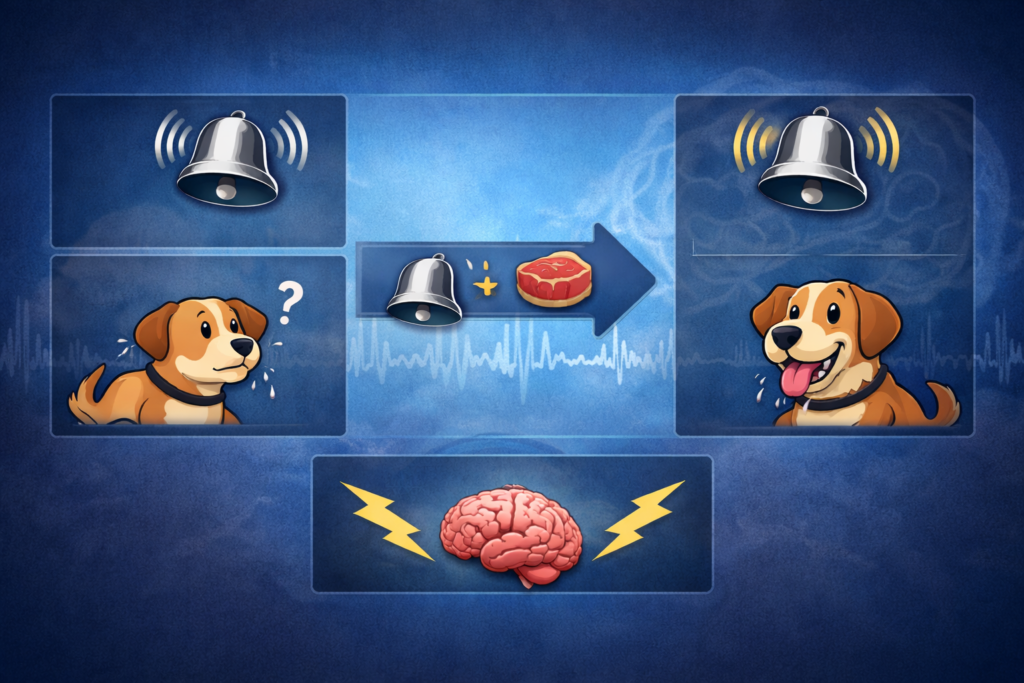
Classical conditioning

Blog Contact WhatsApp Mobile Email LinkedIn Portfolio CBS Modul Horizon POS Usability Testing Home Blog Contact WhatsApp Mobile Email LinkedIn Portfolio CBS Modul Horizon POS Usability Testing Home Home Portfolio CBS Modul Horizon POS Usability Testing Blog Contact WhatsApp Mobile Email LinkedIn Home Portfolio CBS Modul Horizon POS Usability Testing Blog Contact WhatsApp Mobile Email LinkedIn Blog Classical condition based characterization process Human memory models and the central role of memory in information processing. Sensory input undergoes attentional filtering and is then encoded into memory, including its physical form, semantic meaning, and phonetic sound. Memory success depends on encoding, organization, storage, and retrieval of information. Memory types include episodic, semantic, procedural, declarative, and non-declarative memory, as well as sensory memory. In system design processes, procedural memory is particularly important, as users’ action sequences must be preserved to complete tasks without interruptions. Proper procedural encoding requires a clear record of action sequences and system support for the user’s memory. Different learning processes and their implications for system design. Learning includes classical conditioning, operant conditioning, observational learning, and implicit learning, each influencing user responses and behavior differently. Short-term and long-term memory function differently, with capacity limitations, decay, and the impact of presentation sequence on recall. The familiarity versus recognition effect affects interface design for daily versus occasional use, and procedural encoding and action sequencing are crucial for successful user experience. The learning curve varies depending on product complexity and user capabilities, so interfaces should be simplified while maintaining necessary functionality. For demonstration purposes, a complex system of a construction company’s order center was selected.1. Creating a new order for an item (the addition is marked in red) – for classical conditioning.Selecting a supplier item for the order – for operant conditioning.2. After creating a new order, a window opens for selecting the supplier item for the order. Looking for a UX/UI Designer to bring clarity to your product? Let’s work together. +972-54-6460883 Site Navigation Privacy Policy Home Page Accessibility Statement Cognitive Psychology Classical conditioning Peak-End Rule Data analysis Redefining Problematic Screen Portfolio Complex Systems Modul CBS POS Usability Testing 054-6460883 sharona.gil09@gmail.com Whatsapp Linkedin Mobile-alt Envelope

תפריט נגישות

Scroll to Top