College administration and lecturers
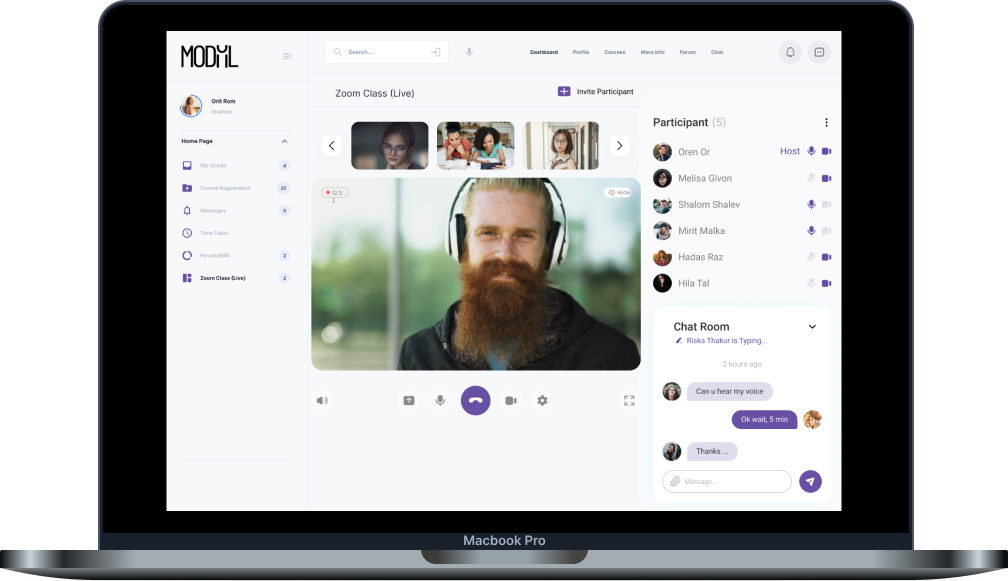
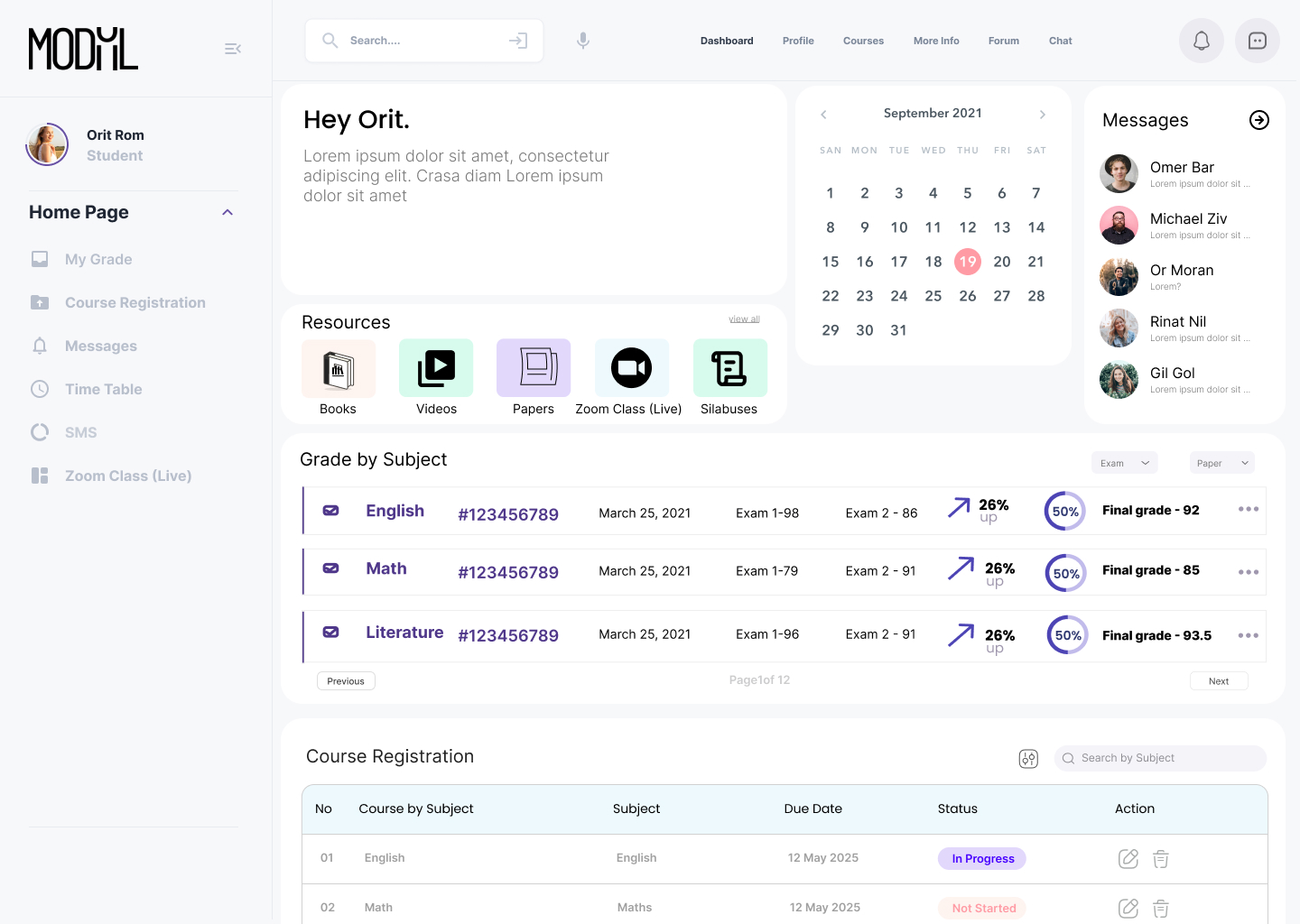
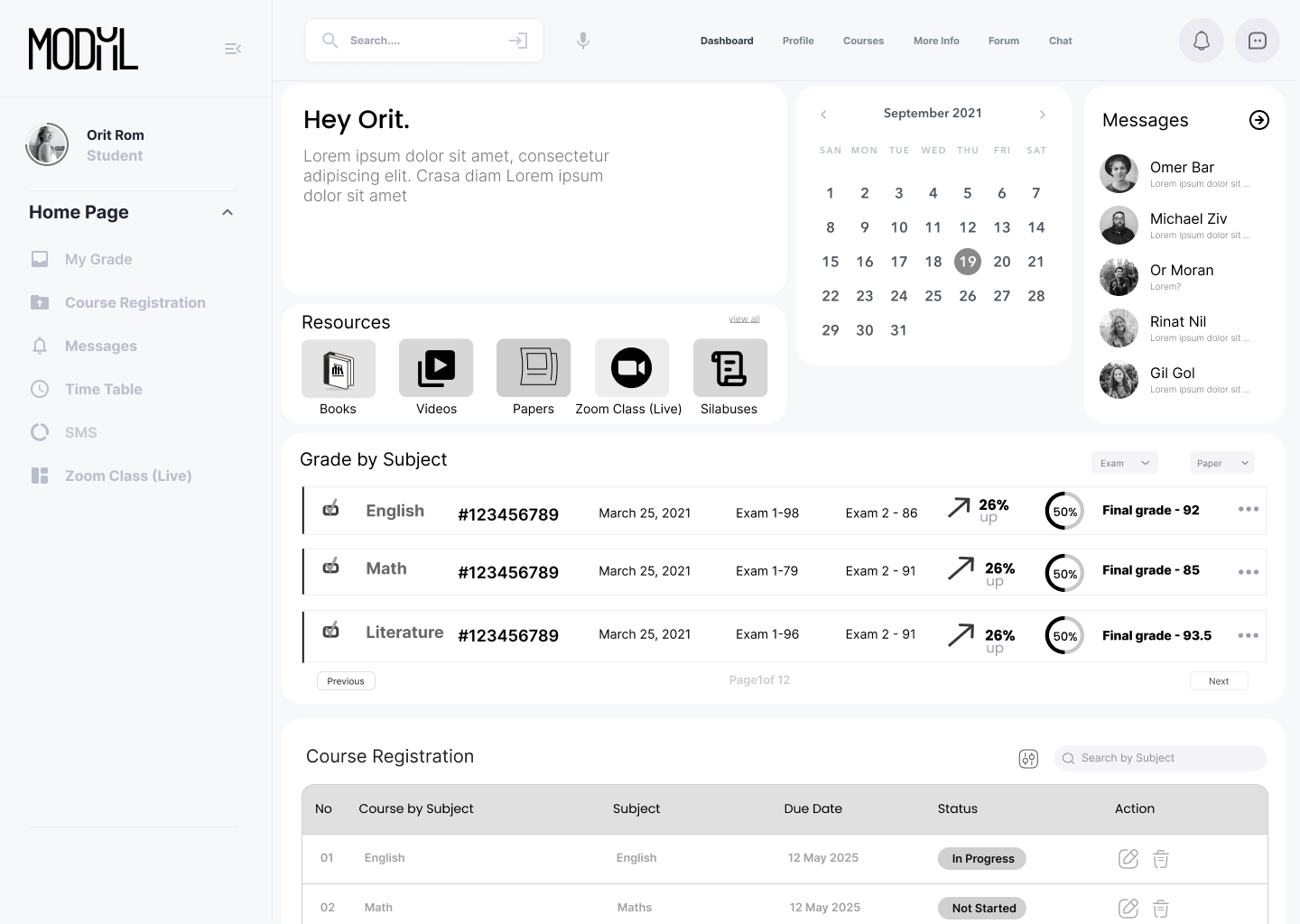
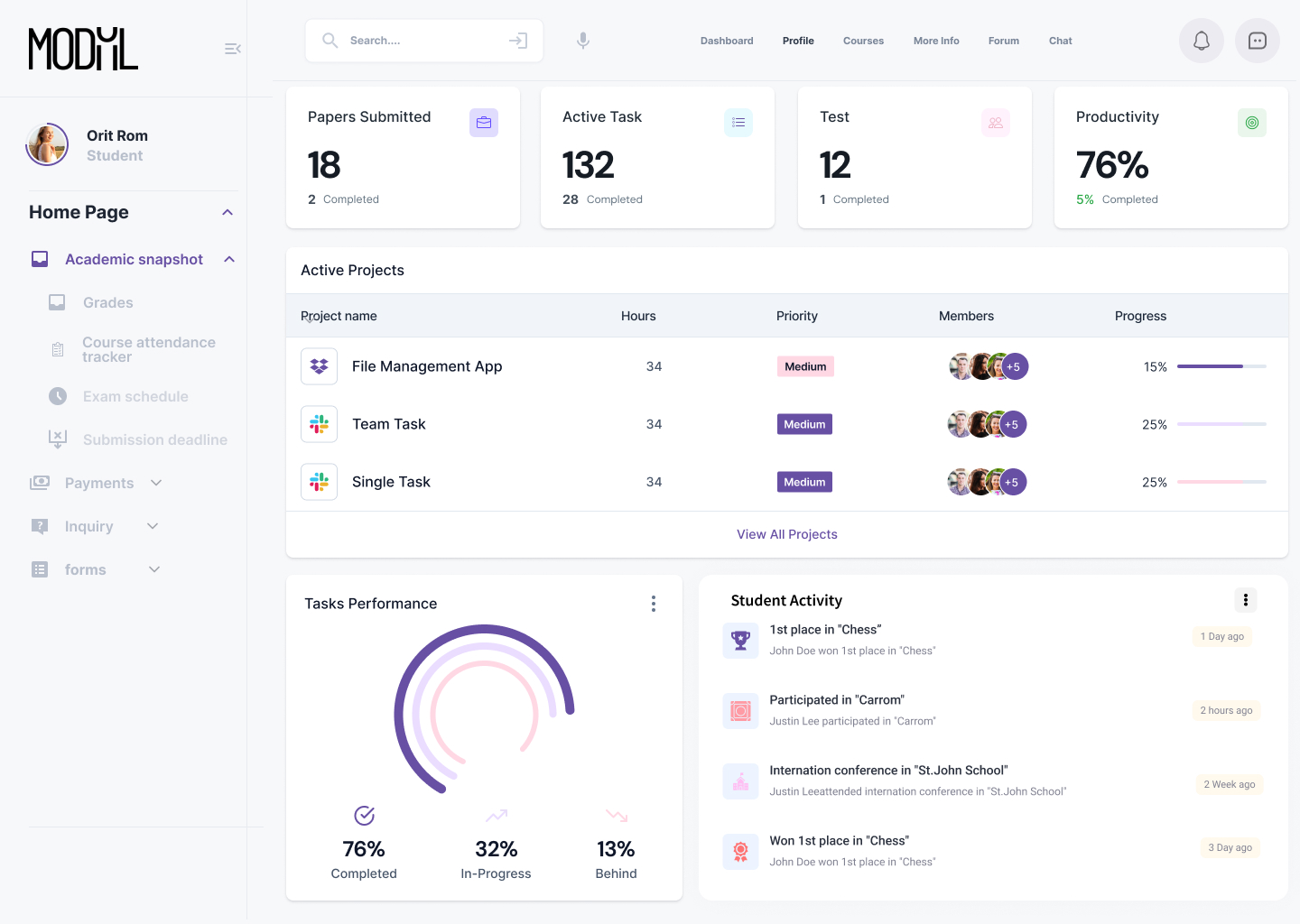
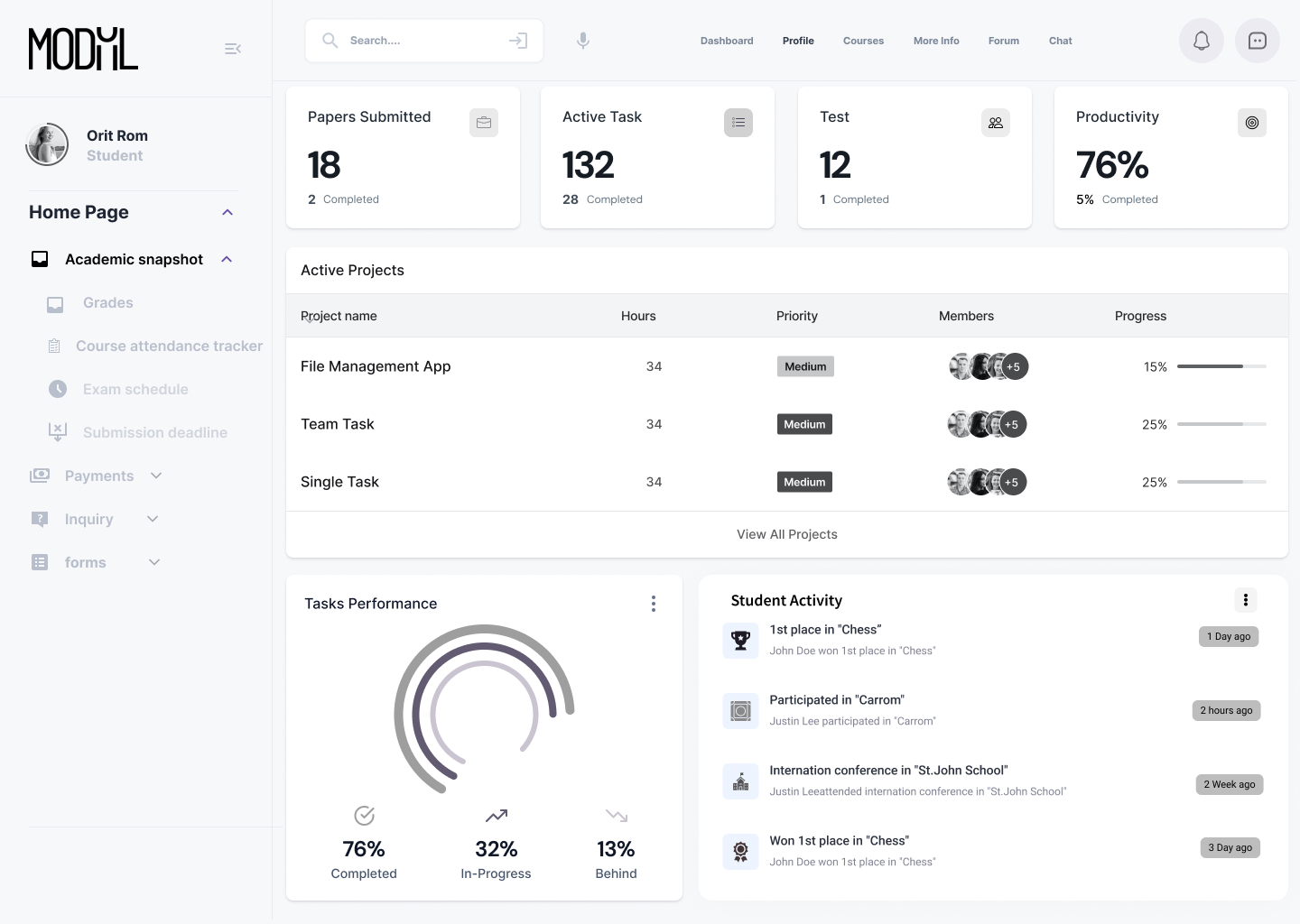
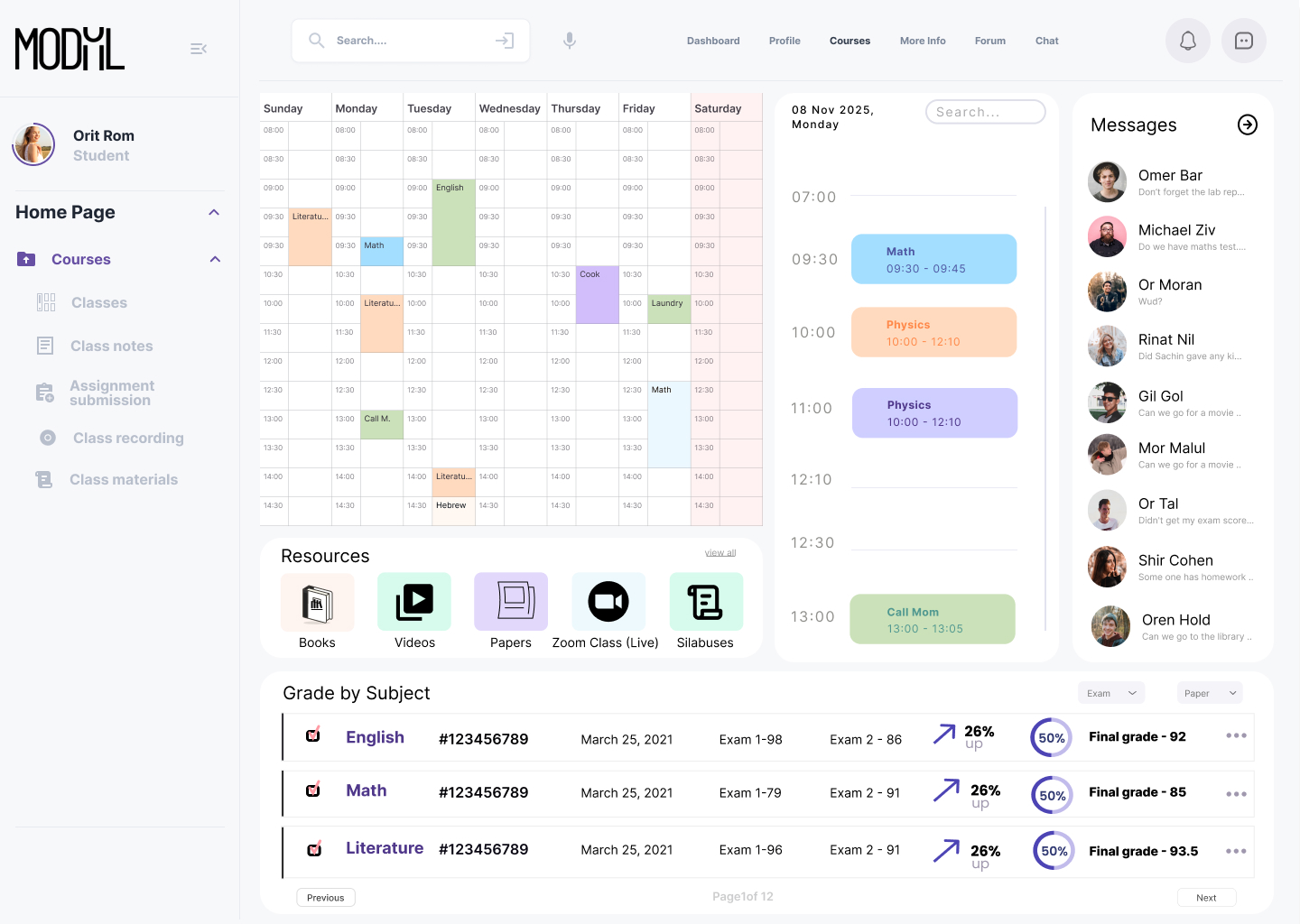
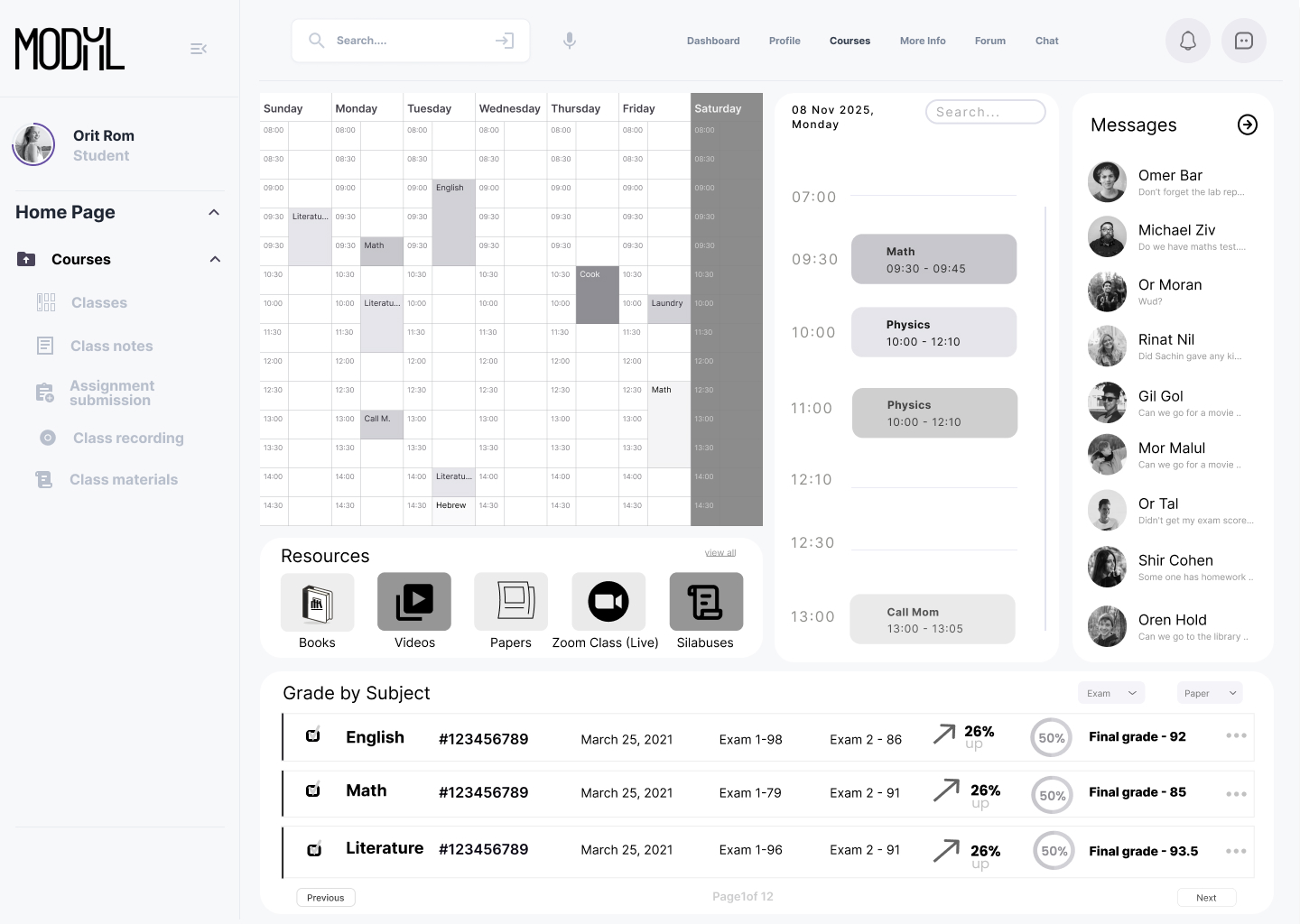
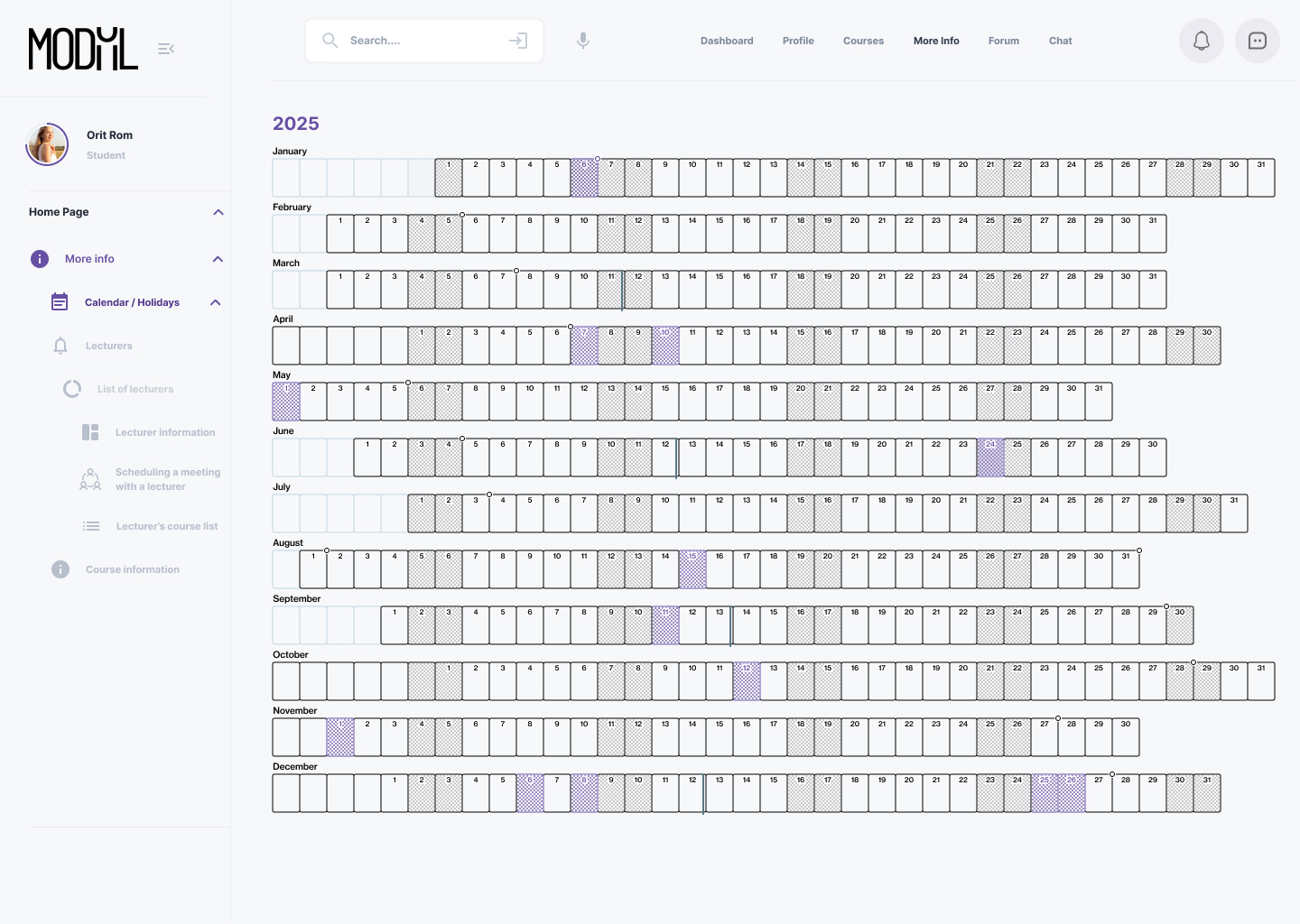
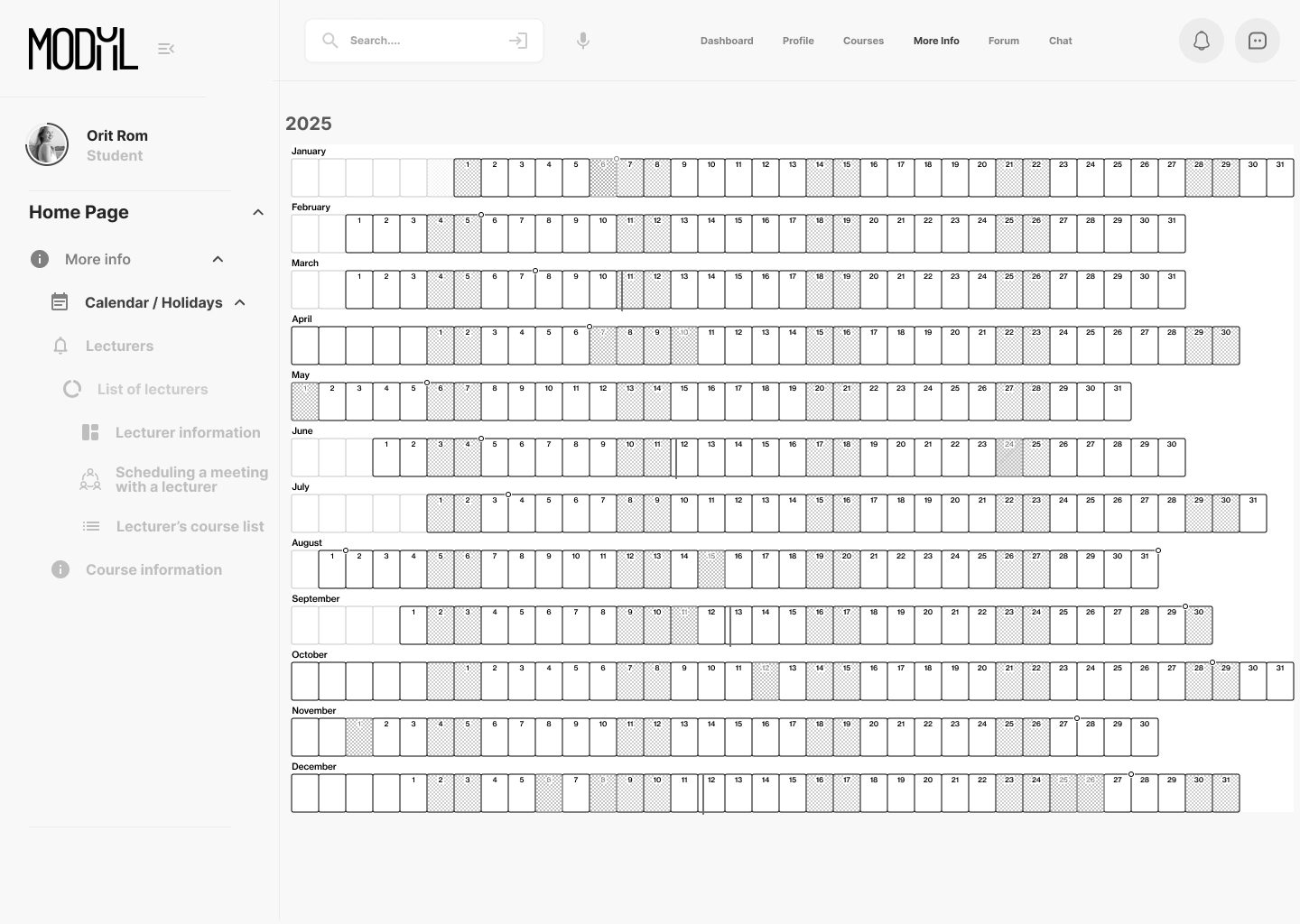
High Fidelity Wireframes

Role Analysis

Role Level: Low

Reporting To: College administration and lecturers

System Familiarity:

Highest level of user proficiency

Required Knowledge and Skills:

  • Basic technological knowledge – will receive specific training as needed
  • Ability to memorize information
  • Good interpersonal skills
  • Multitasking abilities

Role-Dependent Goals:

  • Complete academic studies
  • Attend classes regularly
  • Access and manage class schedule (location and time)
  • Register for courses
  • Access course forums
  • Access study materials
  • View grades
  • Manage payments and debts to the college
  • Access information about lecturers and teaching assistants
  • Submit assignments
  • Review course syllabus
  • Access lecture materials and course documents

Task Analysis:

  • Submit assignments
  • Register for courses
  • Settle tuition payments
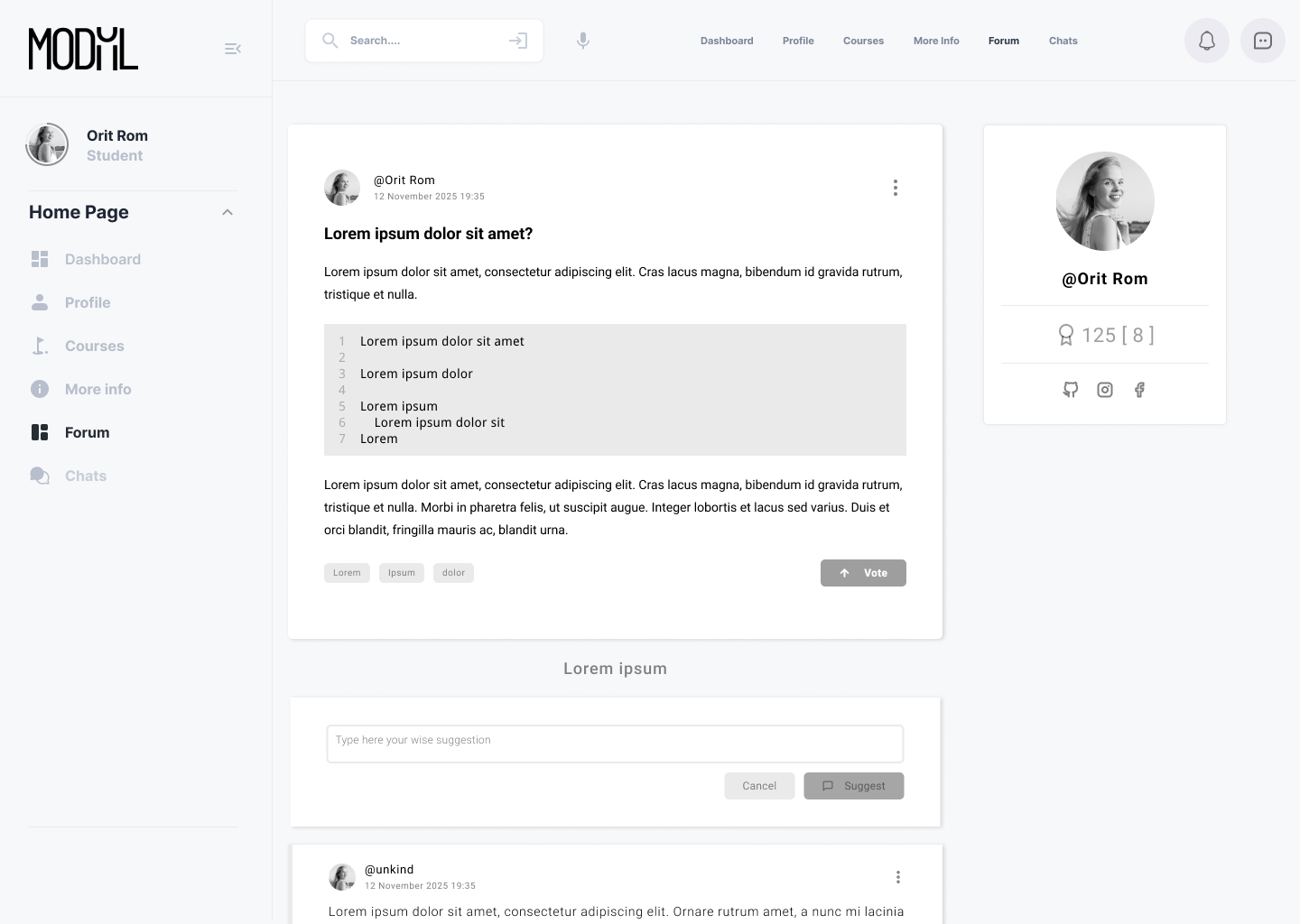
  • Participate in forum discussions
  • Check grades
  • Download study materials

Tools:

  • Computer
  • Writing tools
  • Backpack
  • Student ID card

Task Analysis

priority score (sum)

12
12
7
8
8
4
7
8
9
8
13
6
5
5
4
4
11
11
10
4
9
11
4
12
10

Difficulty

3
5
1
1
1
1
1
1
1
2
3
2
2
1
1
1
3
3
1
2
1
2
2
2
2

Criticalty

5
5
2
3
4
2
4
4
5
5
5
2
2
3
2
1
4
4
5
1
5
5
1
5
5

Frequency

4
2
4
4
3
1
2
3
3
1
5
2
1
1
1
2
4
4
4
1
3
3
1
5
3

Task

  • Upload files (assignments)
  • Register for courses
  • Send messages (forums)
  • Download course materials
  • Read forum messages
  • Verify attendance
  • Communicate with the administration office
  • Communicate with lecturers
  • Check grades
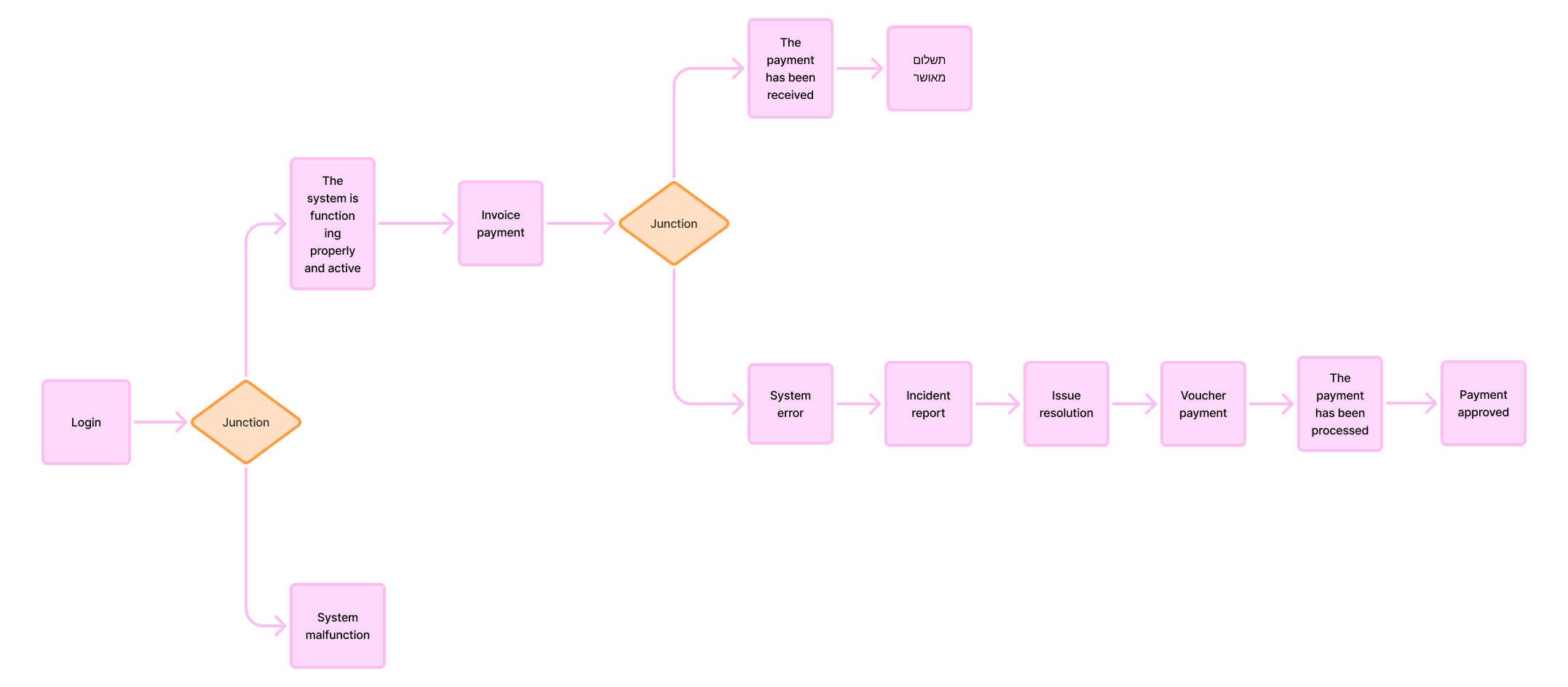
  • Pay for courses / tuition
  • Review class schedule
  • Check lecturers’ office hours
  • View faculty/staff information
  • Fill out forms
  • Generate or download forms
  • Check academic calendar and holidays
  • Watch recorded lectures
  • Read class materials
  • Join Zoom lessons
  • Open requests or inquiries to specific departments
  • Check exam schedule
  • Check assignment submission deadlines
  • Log in to the system
  • Receive system updates
  • Track course progress

Nice to have

Important

Communication Tools / Interaction:

  • Forum
  • Announcements / Bulletins
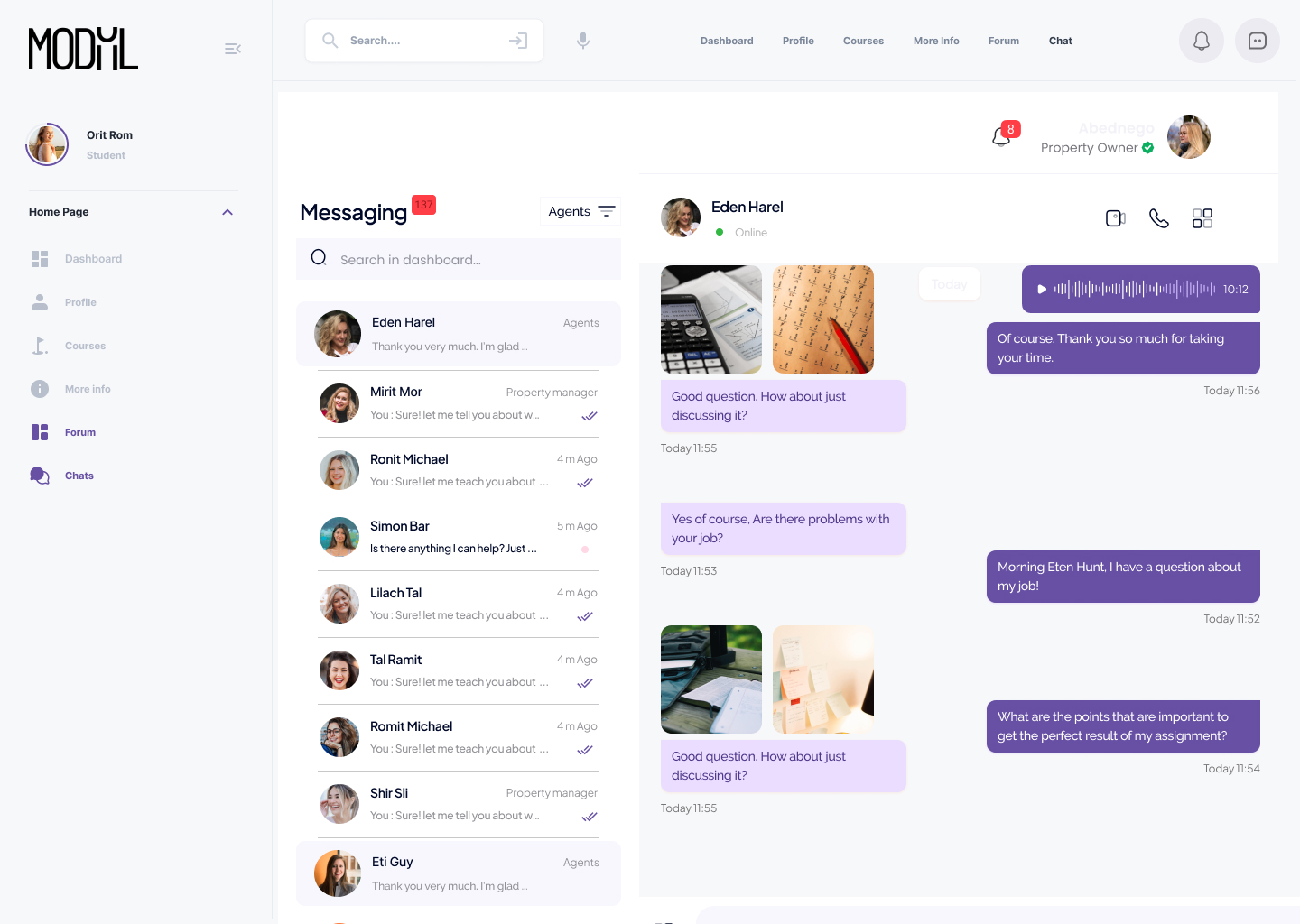
  • Chat
  • Open a request / Submit an inquiry
  • Lecturers
  • Lecturers list
  • Filters + Search
  • Schedule a meeting with a lecturer

Administrative / Academic Tools:

  • Forms
  • Calendar / Holidays
  • Zoom lesson / Online class

Critical

System Actions / Features:

  • Log in to the system
  • Upload a file
  • Course registration
  • Routine messages (personal)

Academic Overview / Status:

  • Grades
  • Course attendance tracker
  • Exam schedule
  • Assignment submission deadlines

Additional Features:

  • Class schedule
  • Payments / Tuition
  • Lecture recordings / Class summaries

User Scenarios

As a college student (female),
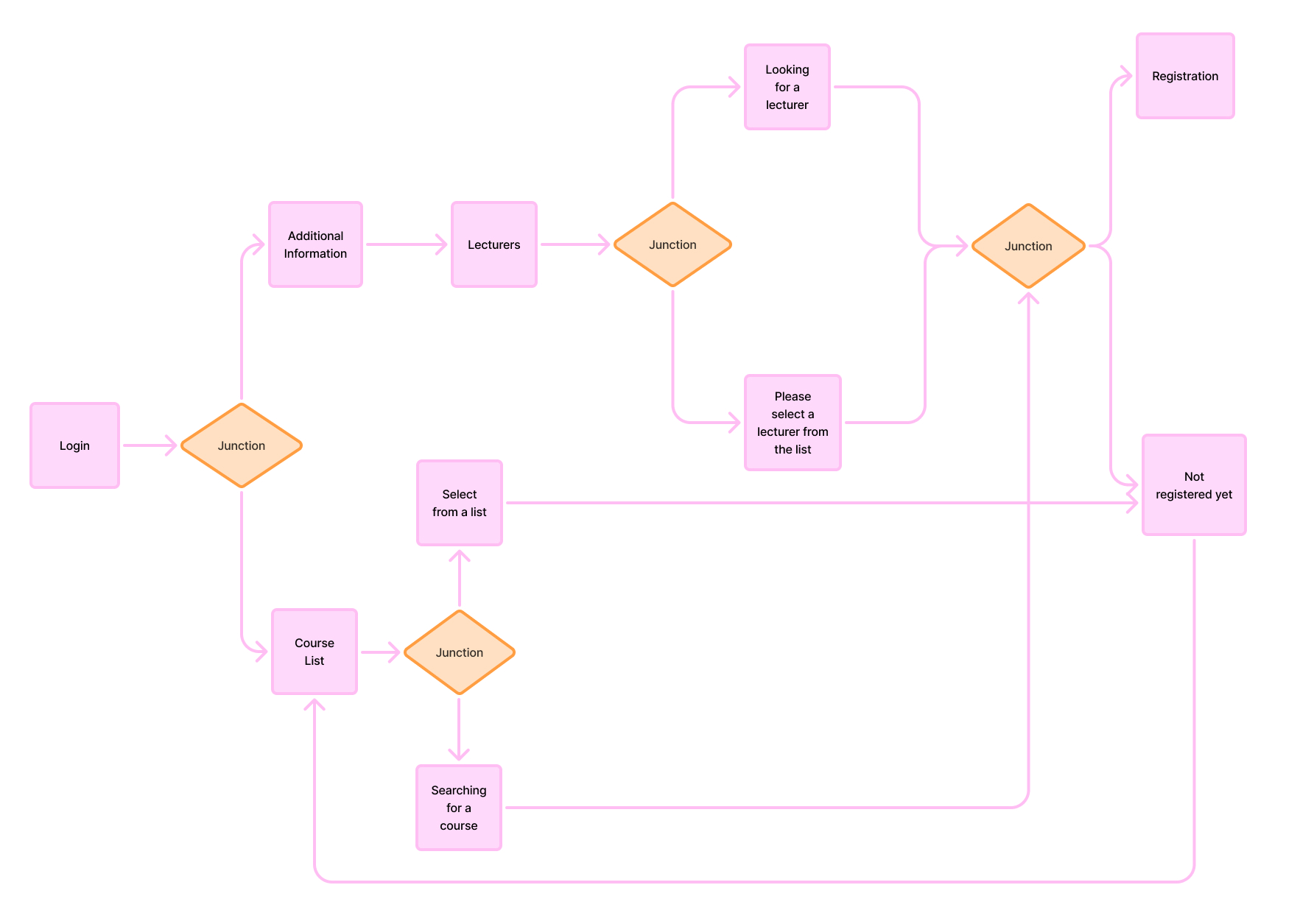
I want to complete the semester easily. To do this, I access course registration and enroll in the relevant courses.
Success criteria: A complete class schedule.

As a college student (male),
I want to schedule a meeting with my lecturer. To do this, I access the list of lecturers, find the relevant lecturer, and check their availability.
Success criteria: Successfully scheduling a meeting.

As a college student (female),
I want to find an answer to a question. To do this, I access the forum, search for the relevant topic, and check if there is information that answers the question.
Success criteria: Finding an answer or posting a question and receiving a response.

User Story

Miri is a second-year Behavioral Sciences student.
Before the semester begins, she sits at home with a list of courses she needs to complete, juggling multiple open windows: the college website, an old grade sheet, and her personal Excel file. She is trying to figure out how to build a schedule that will allow her to both work and study. Every time she accesses the registration system, she worries slightly that she might "miss out" — that a course is already full, or that the system won’t properly show schedule conflicts. She just wants a simple, clear process that gives her confidence that she isn’t missing anything.

Maya sits at her computer at 23:57, one minute before the deadline to submit the final assignment for the course Introduction to Design. She double-checks everything, clicks “Upload File,” and watches the progress bar crawl at an unbearably slow pace. At 23:58 it stops at 90%. She sweats, checks her internet connection, and connects her phone hotspot.
At 23:59 — suddenly a small message appears: “File uploaded successfully.” She laughs out loud from the stress and sends a screenshot to her friend: “I did it. I beat the system.”

Nir has finished his exams for Semester A. He isn’t usually anxious, but since hearing that grades are being released, he checks the system every few hours. The system is slow, takes time to load, and each login reminds him of the uncertainty. When the grade for Statistics finally appears, the screen freezes at 69. He doesn’t know if it’s an error, final, or if the lecturer will update it. He clicks around, trying to figure it out — no explanation, no link to appeal, just a cold number. He closes the computer feeling powerless.


User Scenario

As a college student (female),
I want to complete the semester easily. To do this, I access course registration and enroll in the relevant courses.
Success criteria: A complete class schedule.

User Scenarios

Course Registration

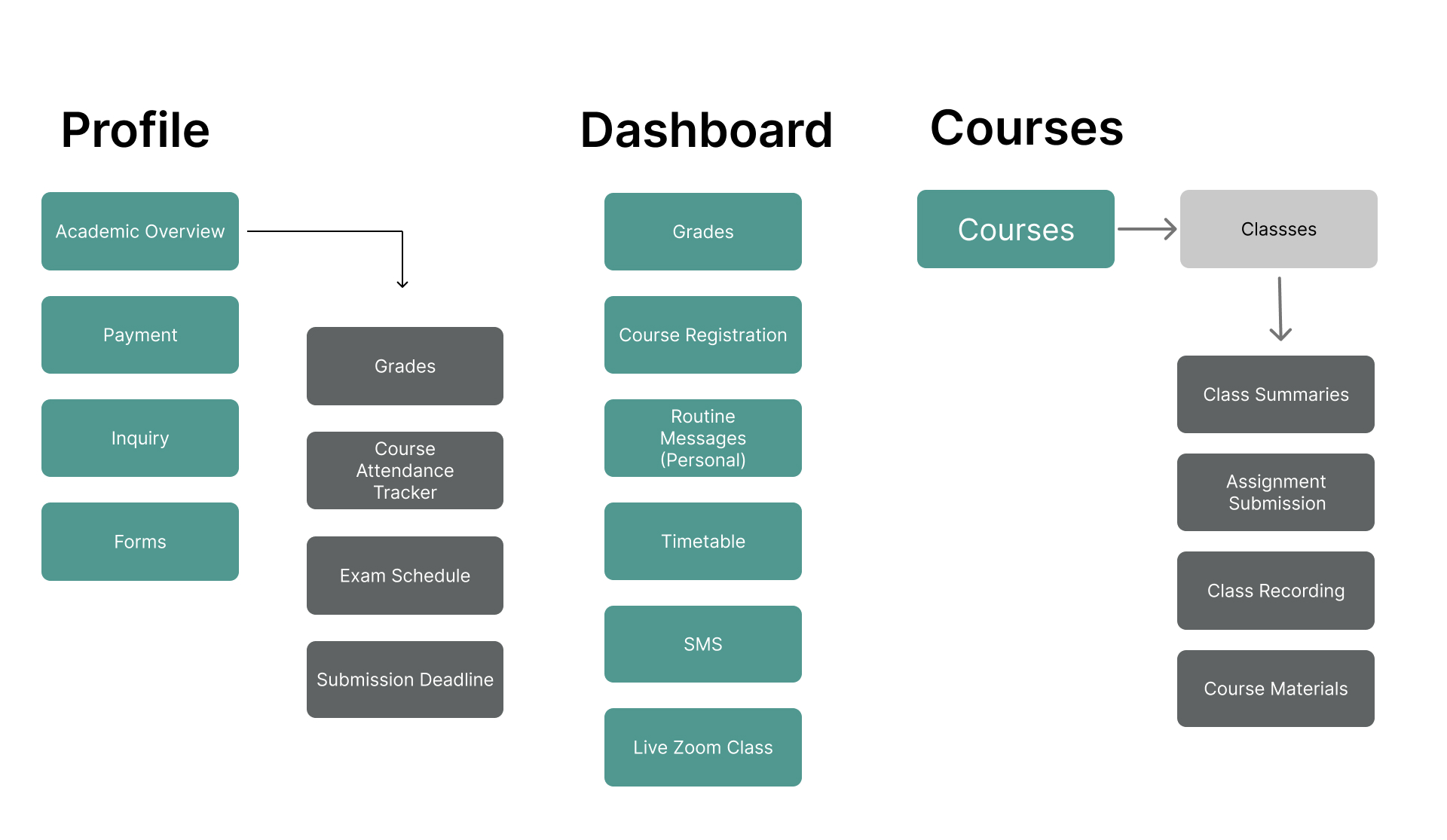
Information Architecture

System Login

Screens
Hihg-fidelity (hi-fi) Wireframes

Dahboard

Profile – Academic snapshot

Courses

More info

Forum

Chat

תפריט נגישות

Scroll to Top